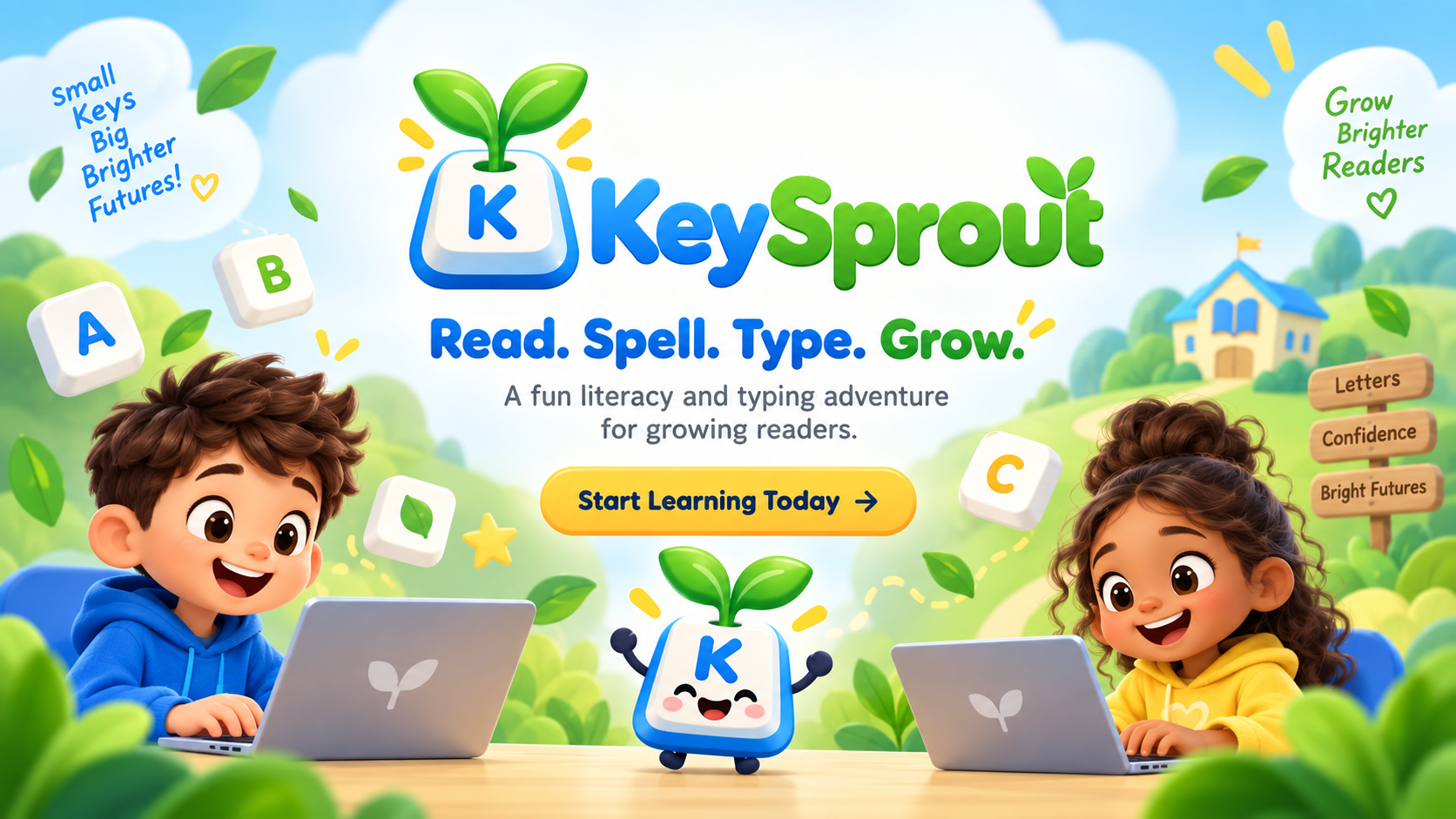
Read. Spell. Type. Grow.
KeySprout teaches young children to read, spell, and type — all together, one gentle lesson at a time, on the laptop, tablet, or phone you already have.
Built for beginning readers around age 6 through the teen years. No ads. No speed pressure. No shame in getting it wrong.
Every lesson follows one simple path
Most programs teach reading or typing. KeySprout teaches them together, using eight small steps a child can actually feel themselves move through.
- 1HEARListen to the sound or word.
- 2SEESee the letter, word, or picture.
- 3SAYSay the sound out loud.
- 4FINDFind the right key, with help if needed.
- 5TYPEPress it with the correct finger.
- 6BLENDBlend the sounds into a whole word.
- 7SPELLBuild the word from sound alone.
- 8READRead the finished word or sentence.
Not every activity uses all eight steps — but every lesson moves a child through this same friendly rhythm, again and again, until it becomes second nature.
A path that grows with your child
KeySprout isn't a one-summer app. It's a five-stage path from a first letter sound to real typing fluency.
Sprout
All 26 letters and their sounds, short vowels, first words, first sentences — and the correct finger for every single key from day one.
Seedling
Letter teams like sh, ch, and th, blends, plurals, and the punctuation marks that turn words into real sentences and tiny stories.
Sapling
Long vowels, vowel teams, r-controlled vowels, and short passages — reading with real comprehension, not just decoding.
Tree
Prefixes, suffixes, spelling rules, grade-level word lists, longer passages, and a first gentle introduction to typing speed — only after accuracy is strong.
Grove
Advanced vocabulary, Greek and Latin roots, longer passages, and real typing fluency drills for teens headed toward school and life on a keyboard.
A garden that grows because your child did
Every completed lesson plants something new. Correct sounds, careful fingers, and finished words help each plant grow — from a tiny seed to full bloom. Badges mark real milestones: the first blended word, the first full sentence, all of home row, the first ten words spelled from sound alone.
There's no leaderboard here and no ranking against other kids. It's one child's garden, growing at one child's pace.
🌱 Small steps. A garden that keeps growing.See what your child can actually do
Behind a simple PIN, the Parent & Teacher view answers the question that matters more than "how fast is my child typing?" — what can they now hear, recognize, spell, read, and type accurately?
- Lessons completed and time spent
- Letters, sounds, and keyboard skills mastered
- Words read and words spelled from memory
- Typing accuracy and correct-finger habits
- Common errors, so you know exactly what to practice next
- Export progress any time — it's your child's data, not ours
Progress is saved on the device, not sold or shared. No ads are ever shown to your child.
Frequently asked questions
What ages is KeySprout for?
KeySprout starts around age 6, for a child just beginning to read, and grows with them through the teen years across five stages: Sprout, Seedling, Sapling, Tree, and Grove.
My child can't read yet — can they still use this?
Yes. That's exactly who KeySprout is built for. Every instruction has audio, and a persistent Read to Me button means a child never has to already read well to get started.
Does KeySprout teach typing or reading?
Both, together, in the same lesson. Most typing programs assume a child can already read. Most reading programs never touch a keyboard. KeySprout was built because we think they belong together.
Will my child be pressured to type fast?
No. Accuracy comes first. Words-per-minute isn't shown at all until the Tree stage (roughly age 9+), and only once a child's accuracy is already strong.
What happens when my child gets something wrong?
KeySprout never shows a red X or a failure sound. It replays the sound, highlights the letter, shows the correct finger, and lets your child try again — mistakes are just part of learning here.
What devices does KeySprout work on?
KeySprout is a web app (PWA) that runs in any modern browser on Windows and Mac laptops, iPads and Android tablets, and phones. A physical keyboard is best for typing lessons, but every lesson can also be completed by tapping the keys on the screen.
Is there advertising, or does KeySprout collect my child's data?
No ads, ever. Progress is stored locally on the device. We do not sell or share children's data.
Is KeySprout finished?
KeySprout is an early, actively growing product. We're honest about that — we're piloting with real beginning readers, homeschool families, and classrooms, and improving based on what we learn.
Ready to help your reader grow?
Start with the free Sprout stage today — no credit card, no pressure, just eight simple steps a child can grow through.
Start Learning TodayKeySprout is an early prototype. We'd love your feedback as it grows.